


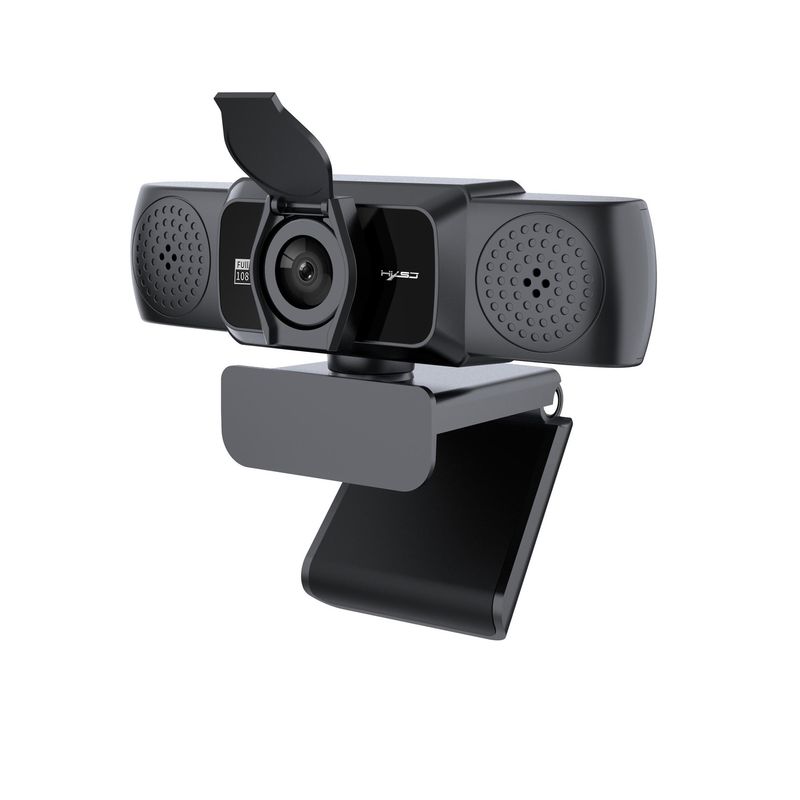

Full View
Similar items
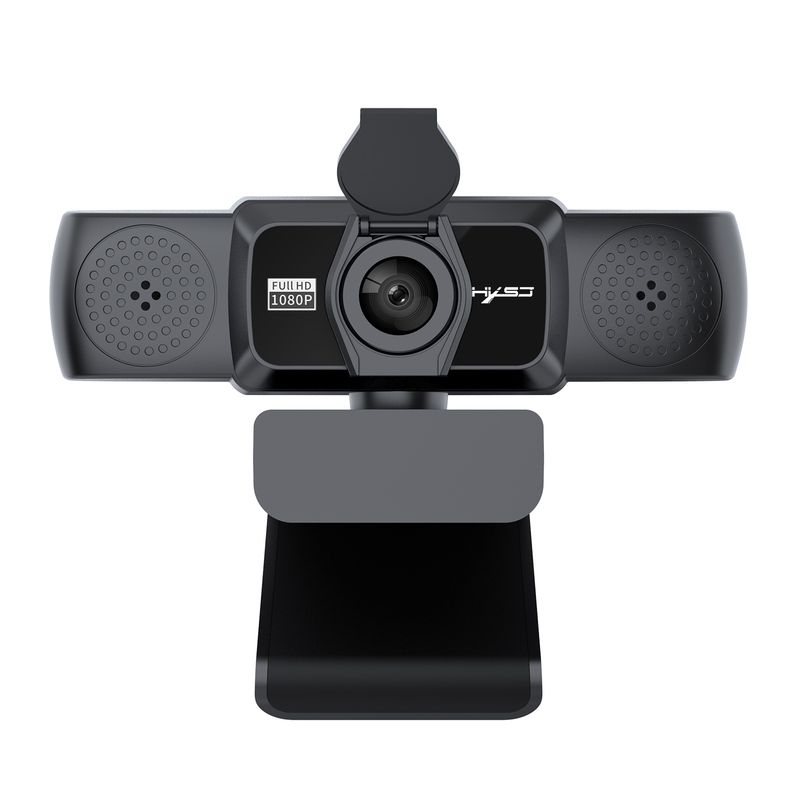
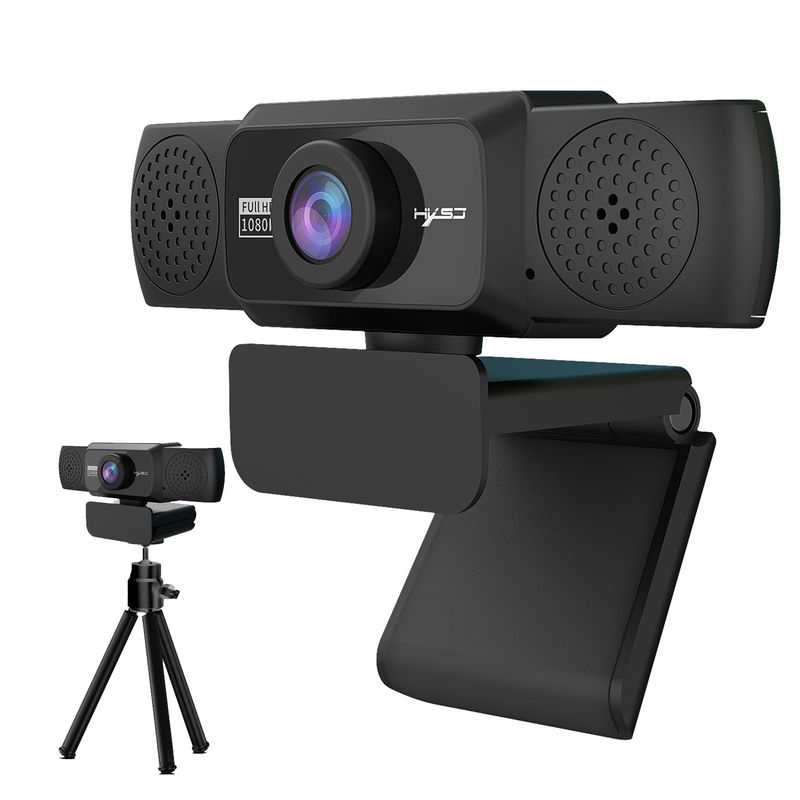
5 New 1080P HD Computer 360 Degree Rotatable Video Conference Camera Online Class Live Streaming In Stock
€49.65€80.60
Color : S5-HD 1080P Computer Camera

Quantity :

Report
Include copyright infringementFree Standard Shipping. See details
Estimated between Wed, Jun 24 and Mon, Jun 29
You can return the product within 30 days of receipt. See details
Shop with confidence

Money Back Guarantee
Get the item you ordered or your money back. Learn more
About this item
Sourced from CoreBox
Seller assumes all responsibility for this listing.Item number: 33485250
Item specifics
Condition
New
Item description from the seller
:
Product Description:
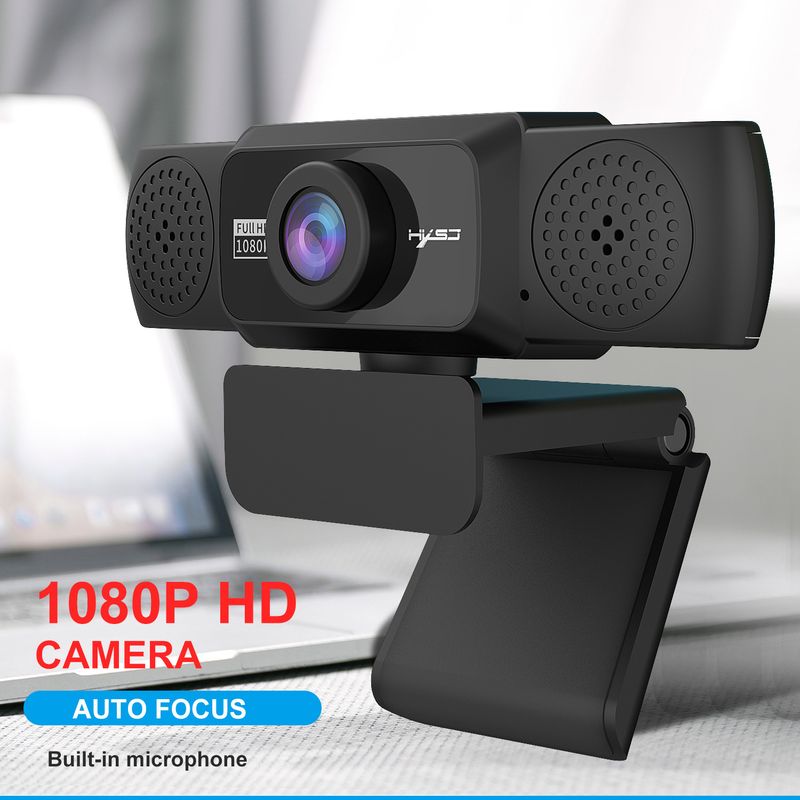
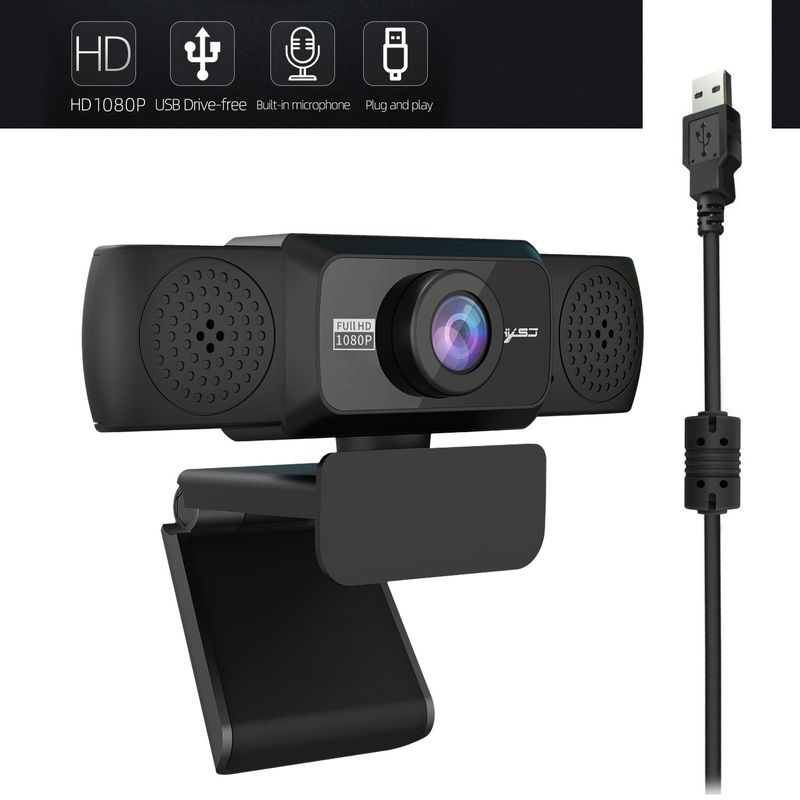
1: S5 Full HD transmission rate of 30 frames per second, this camera ensures excellent image resolution of 1920 x 1080 and smoothness. Ideal for online learningLarge screen display makes remote conferencing more practical
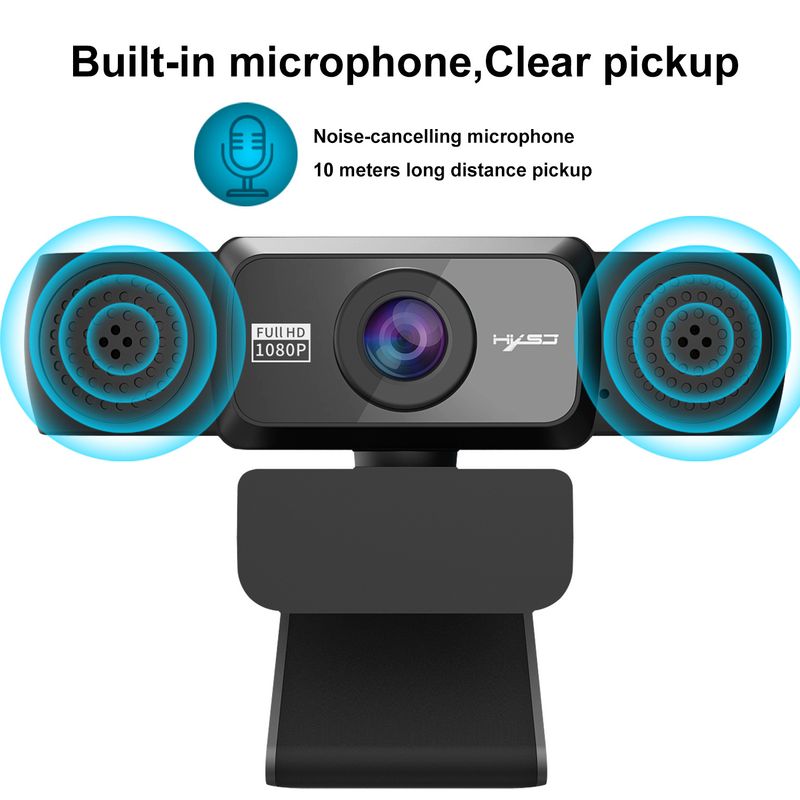
2:thebuilt-inmicrophonehasanautomatiknoisereductionfunctionthatdeliverscleareraudioeveninnoisyenvironmentsYoucandownloadVideosoftwarelike'AMcap'totestthecameraoriucanuseittotakephotosandvideosIfiurComputerhasAbuilt-incameradisablethebuilt-incameraindeviceManager
3: 1080P HD camera with 2 Megapixels and true color images
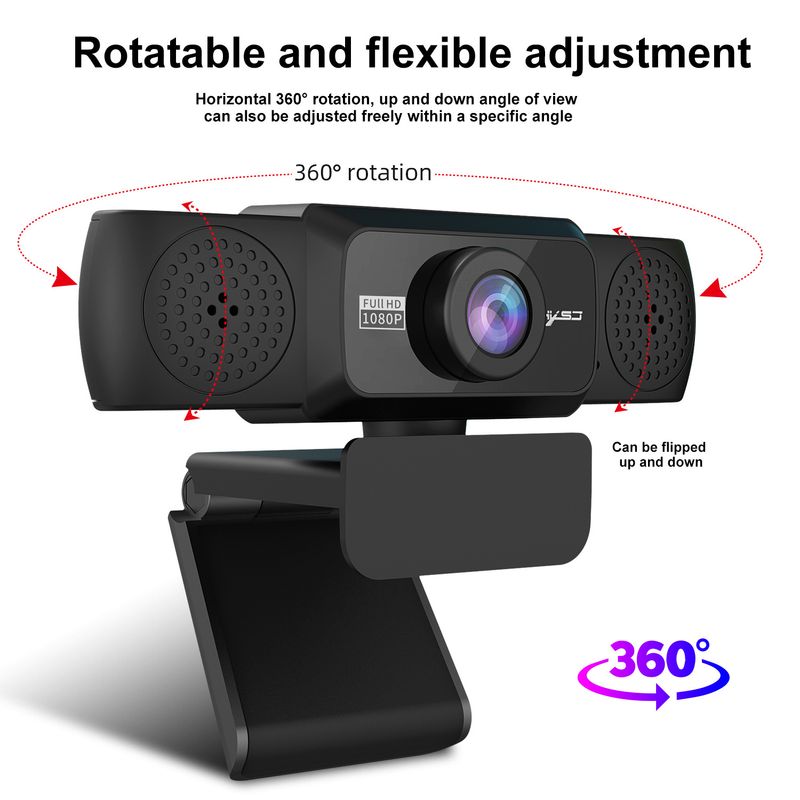
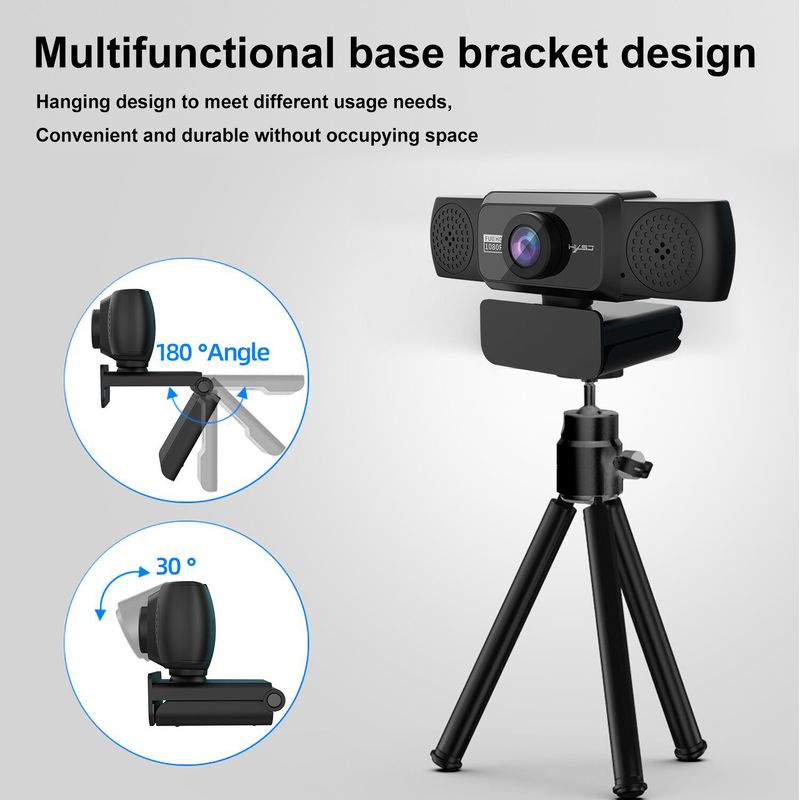
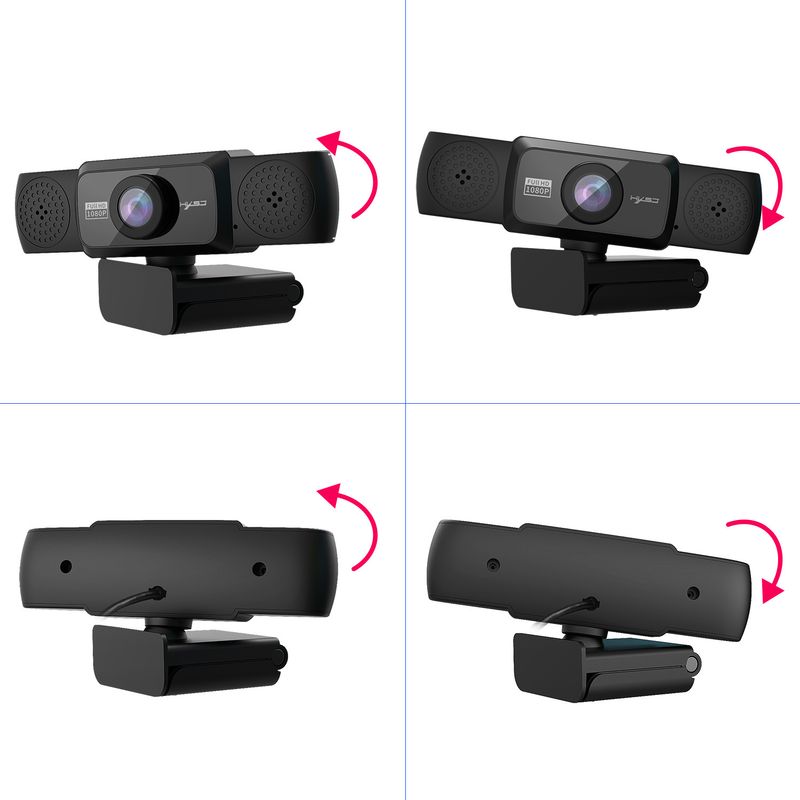
30 degrees adjustable up and down, the head rotates 360 degrees
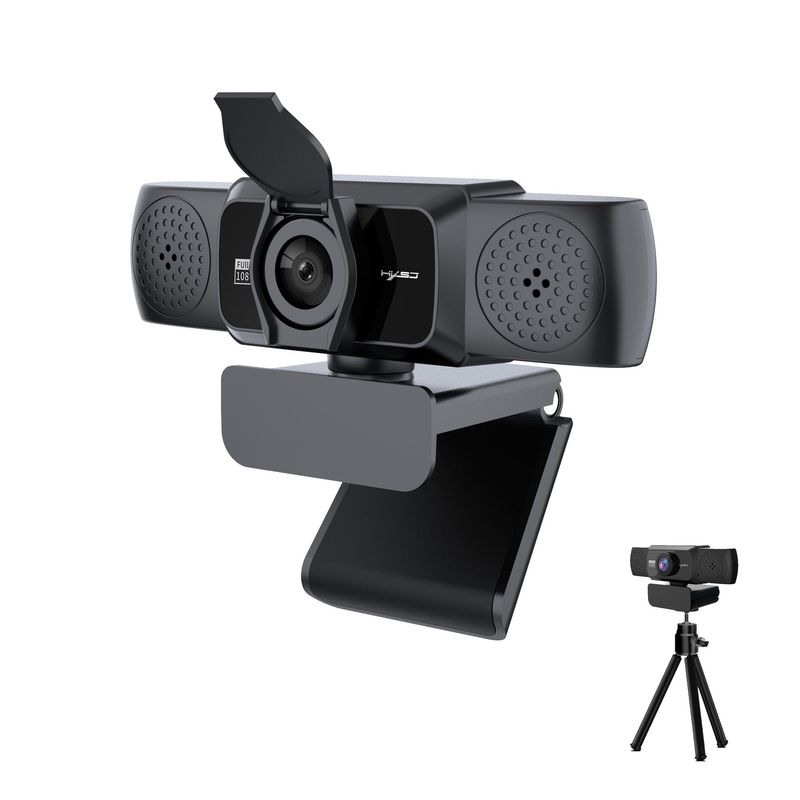
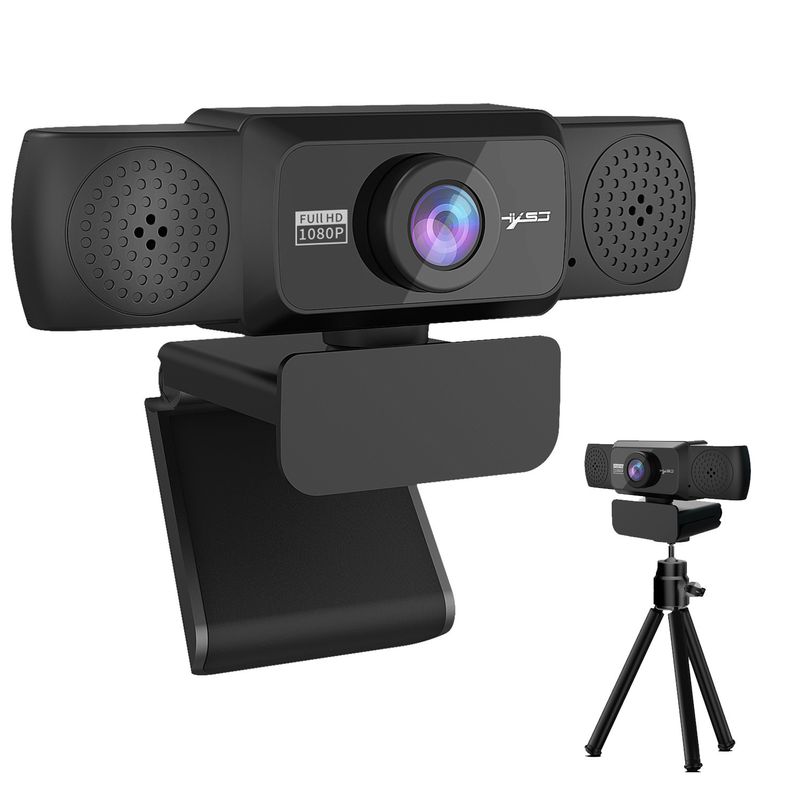
The base can be installed with a triangular bracket, and you can adjust the angle as neededThe imported optical glass lens has high precision and no image distortion
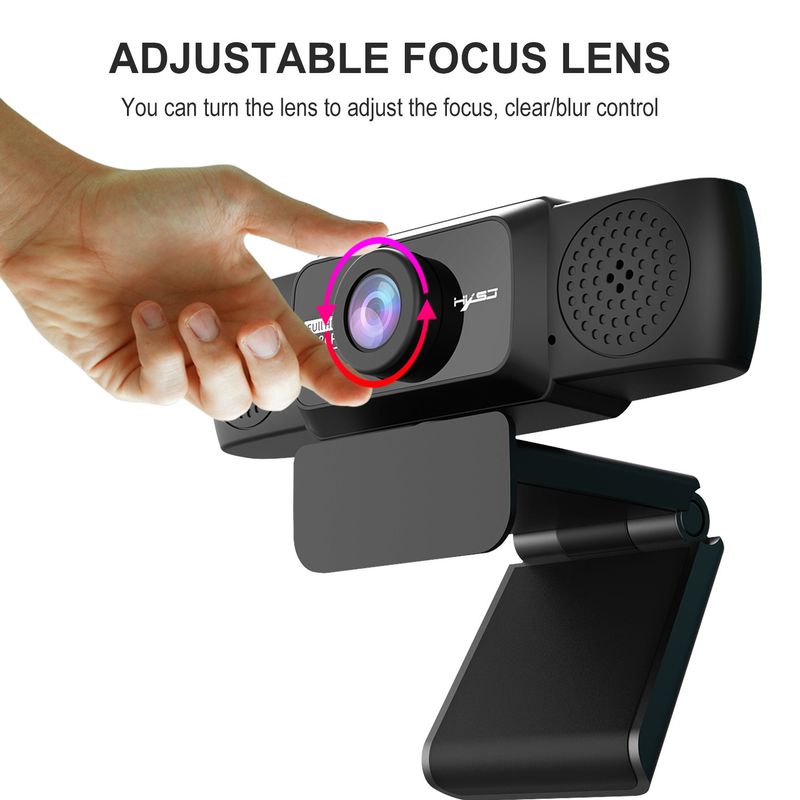
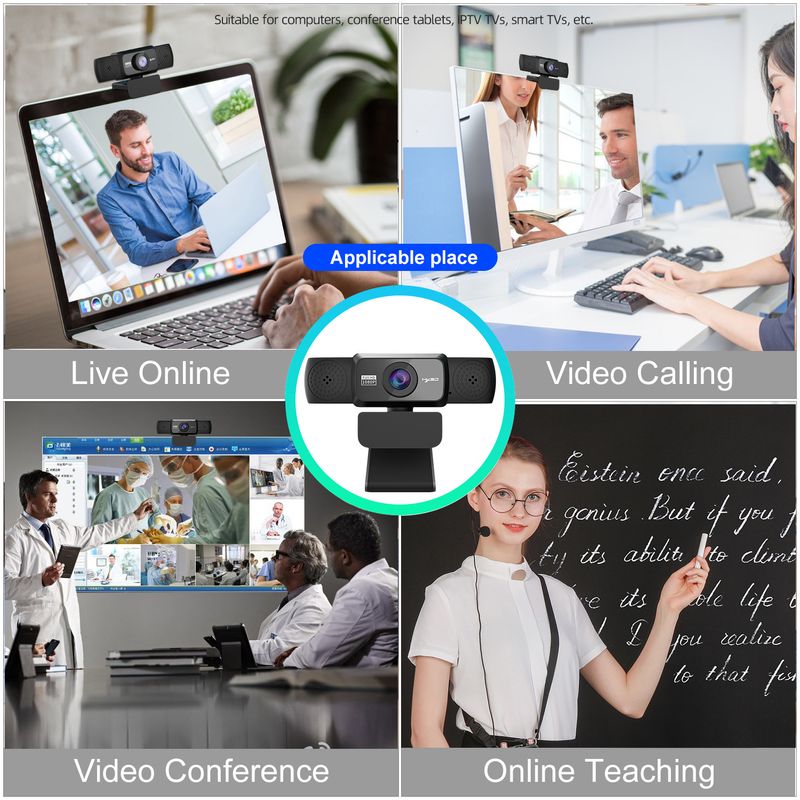
4: Manually rotate the lens ring to adjust focus freelyDesigned for laptops, desktops, and Android TVs, the largest 45mm thick display
is available
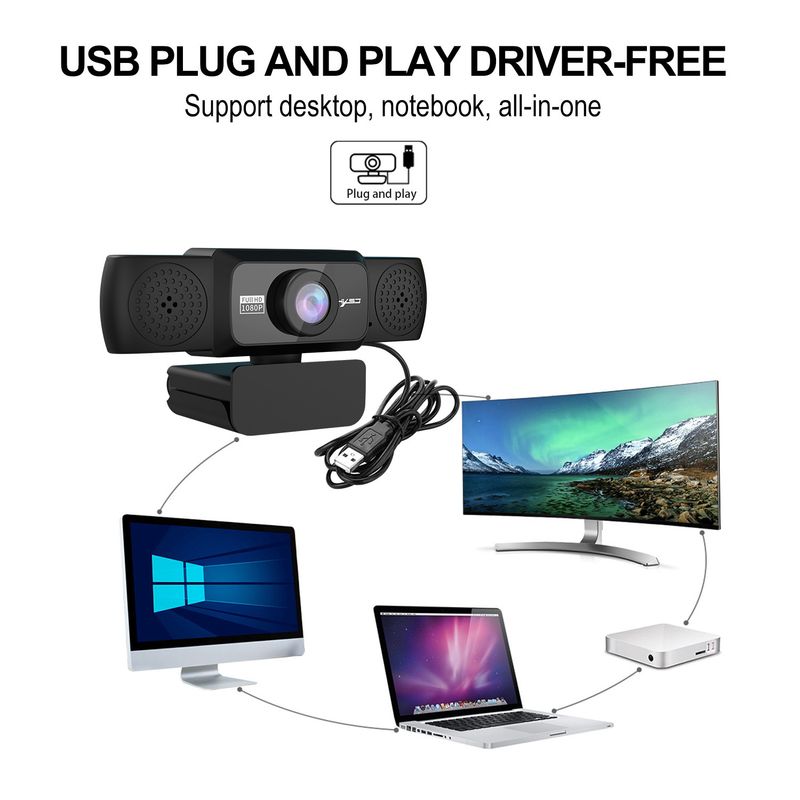
Compatible with USB 2.0, 3.0
5: Automatic white balance, automatic color correction
Resolution: 1920*1080; 1280*720; 960*720; 800*600, there are many
6: Supports Windows 2000 / XP / Win7 / Win8 / Win10 / Vista 32-bit
Mac, Android TVSupports a variety of video conferencing software, such as Net Meeting and MSN, Yahoo, and Skype, and other great projects to enjoy the big screen visual experience
PRODUCT SPECIFICATIONS:
Project color: Black
DSP chip: No driver
Image Sensor: CMOS
Video format: MJPEG, YUY2
Image Sensor: CMOS 1/2.7 Big Chip
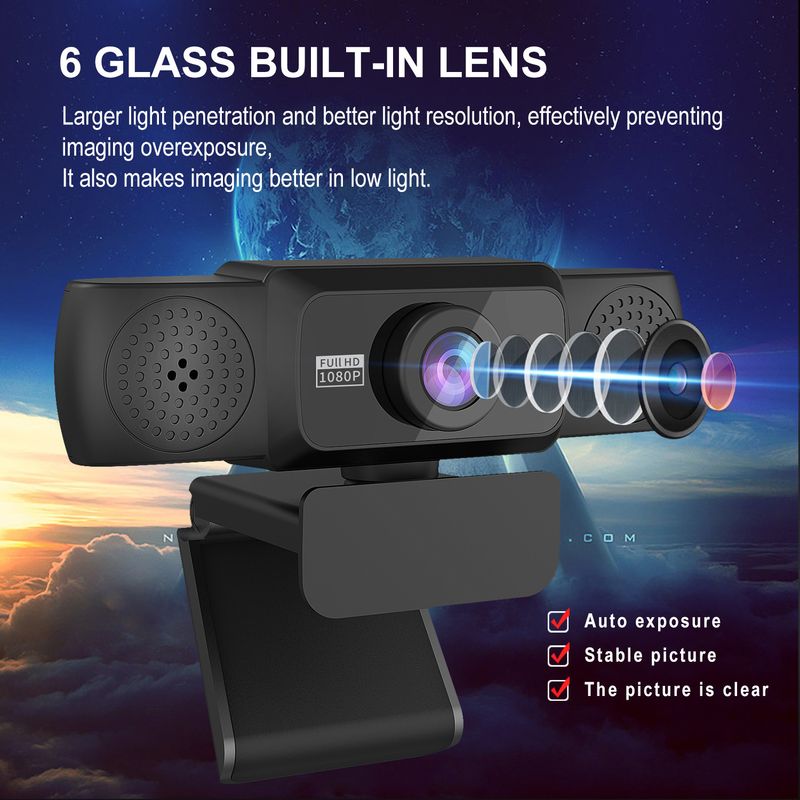
Lens: High quality six-layer glass lens
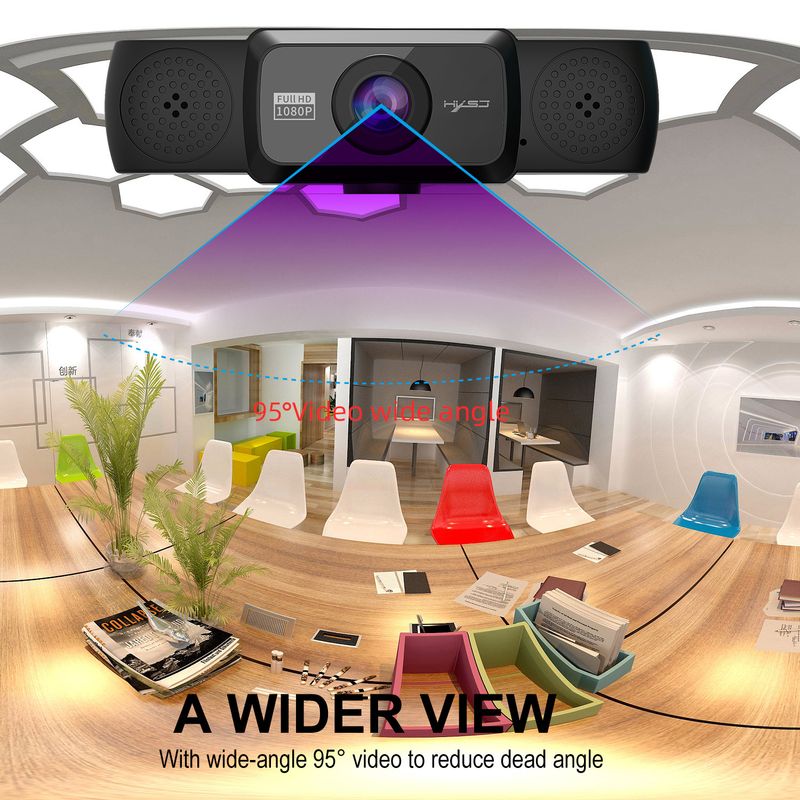
Viewing angle: 95 degrees wide angle
Pixel: HD 2 million pixels
Maximum dynamic resolution: 1920*1280
Viewing angle: 95 degrees wide angle
Length: 150cm
Frame rate: 30 fps
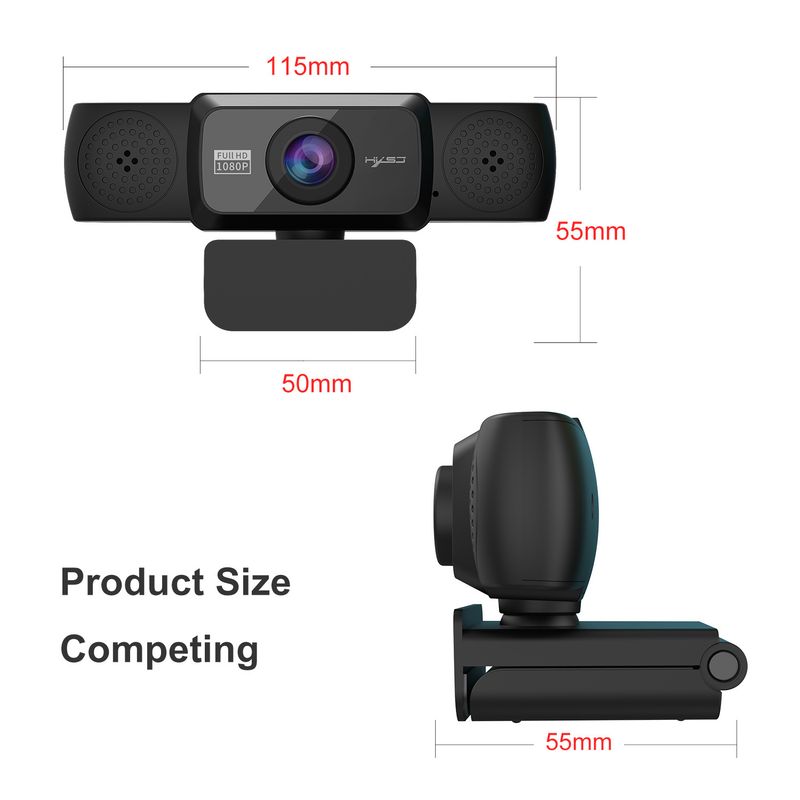
Product size: 11.5 * 5 * 5.5cm
Product weight: 125g
Packing size: 17 * 10.3 * 6.2cm
Package weight: 219g
Package List:
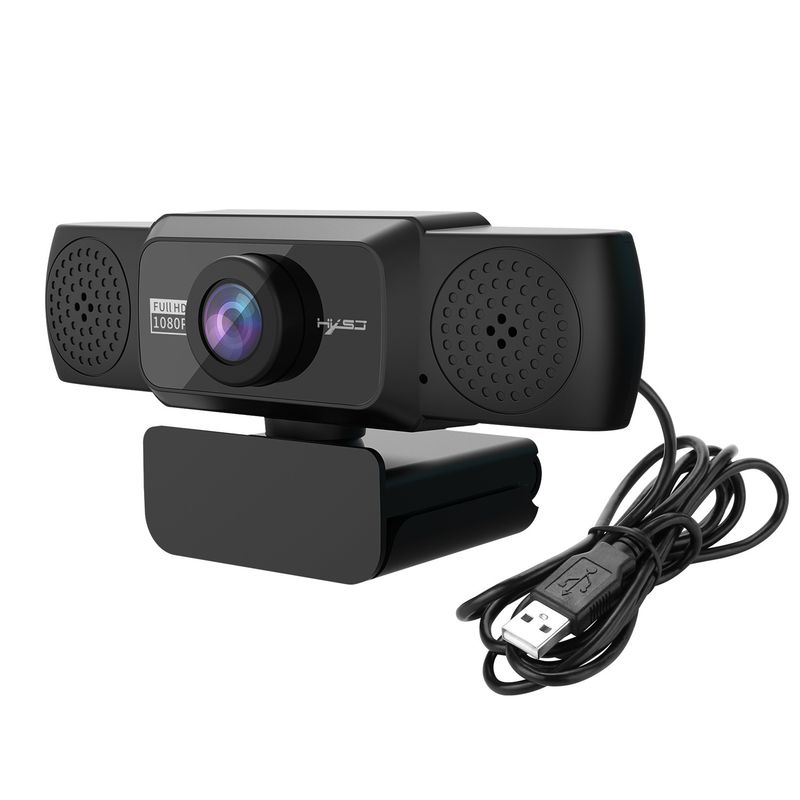
1 * 1080P webcam
1 * English User Manual
1 * Tripod
1 * Privacy cover
PLUG AND PLAY:
1.Plug the USB into your computer or there
pup
2. If your laptop has a built-in camera, you will need it
to change the cameras default settingsFor example, change the
Default camera in the chat software settings or disable the built-in camera in the computer settings
3. The driver is automatically installed on the computer
4. When the installation is complete, you can directly do a video chat using a chat tool
5: After the camera is connected to the computer, you can use it
The AMcap software is used to verify that the device is working properly
If the screen can appear, the camera has no problem


Videos
Videos for this product


 4.4 out of 5 based on 9,249 reviews