
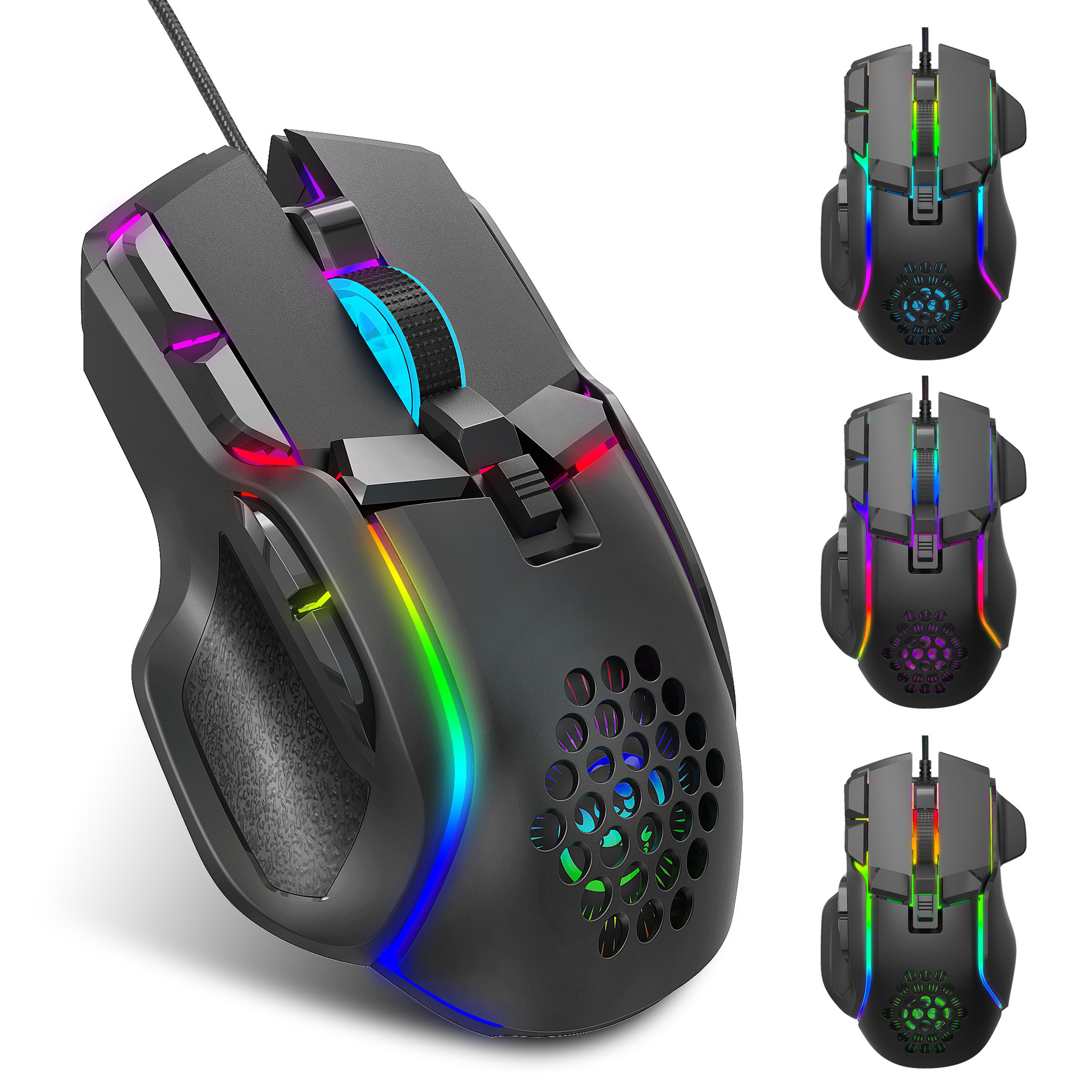

Full View
Ähnlech Saachen
New gaming esports macro programming cool RGB lighting 12800DPI adjustable mechanical mouse
€41.23€52.65
Faarf : S700 RGB mouse
Quantitéit :
 Customer Service
Rapport
Verletzung vum Copyright enthalenGratis Standardverschécken. Gesinn Detailer
Geschätzt tëscht Sat, Apr 11 an Thu, Apr 16
Dir kënnt de Produit bannent 30 Deeg no der Rezeptioun zréckginn. Gesinn Detailer
Shop mat Vertrauen

Suen zréck Garantie
Kritt den Artikel deen Dir bestallt hutt oder Är Suen zréck. Léier méi
About this item
Aus Xinyue Digital 3C stammen
Seller assumes all responsibility for this listing.Artikelnummer: 20639179
Item specifics
Fonctiounen
Rgb, Matte, Aner
Achs
Aner, Rout Achs, Optesch Achs
Numeresch Tastatur
Nee, jo
Verbindung
Wired
Gréisst
<100 mm, 100 mm-120 mm, > 130 mm
Item description from the seller
S700 packing information:
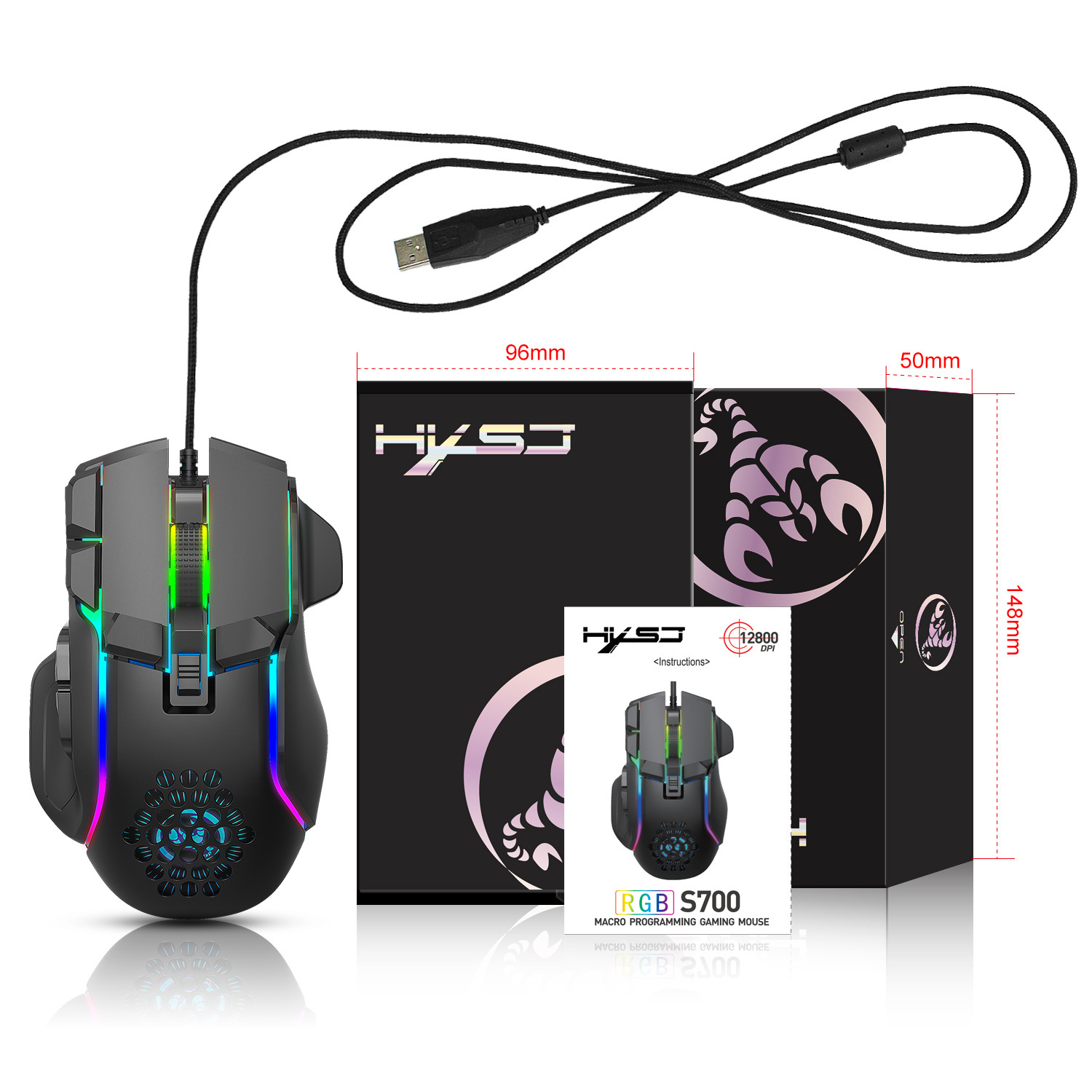
Product size: 12.9x8.2x4.2cm
Product weight: 142g
Packaging size: 14.8x9.6x5cm
Packaging weight: 194g
Outer box size: 53 * 53 * 32.5
Packing quantity: 100pcs
Weight: 20.4Kg
Specifications:
1. Product model: S700 PROJECT GAMING MOUSE
2.100% new mouse game
3. High end brand mechanical ro definition gaming mouse
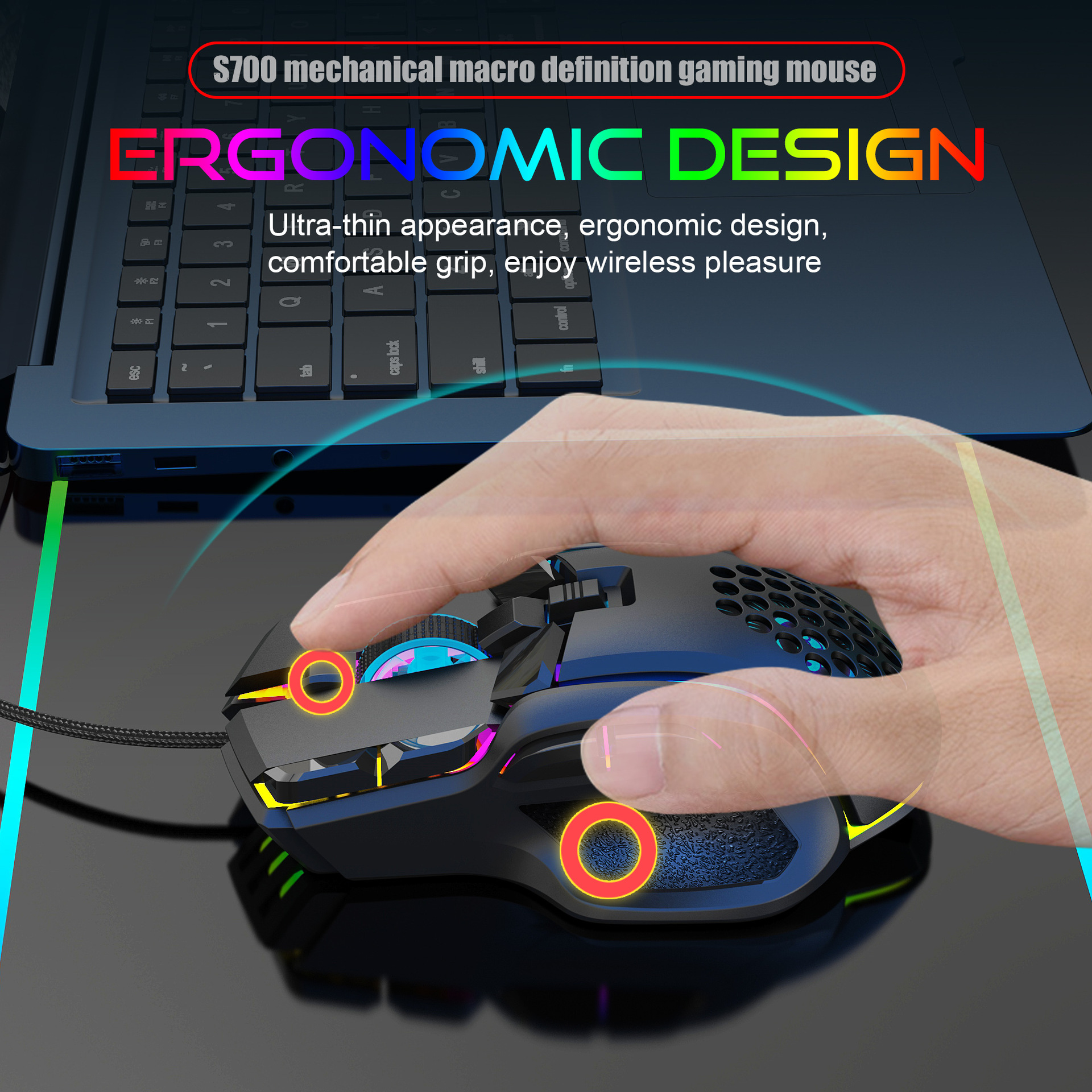
4. Human body engineering design
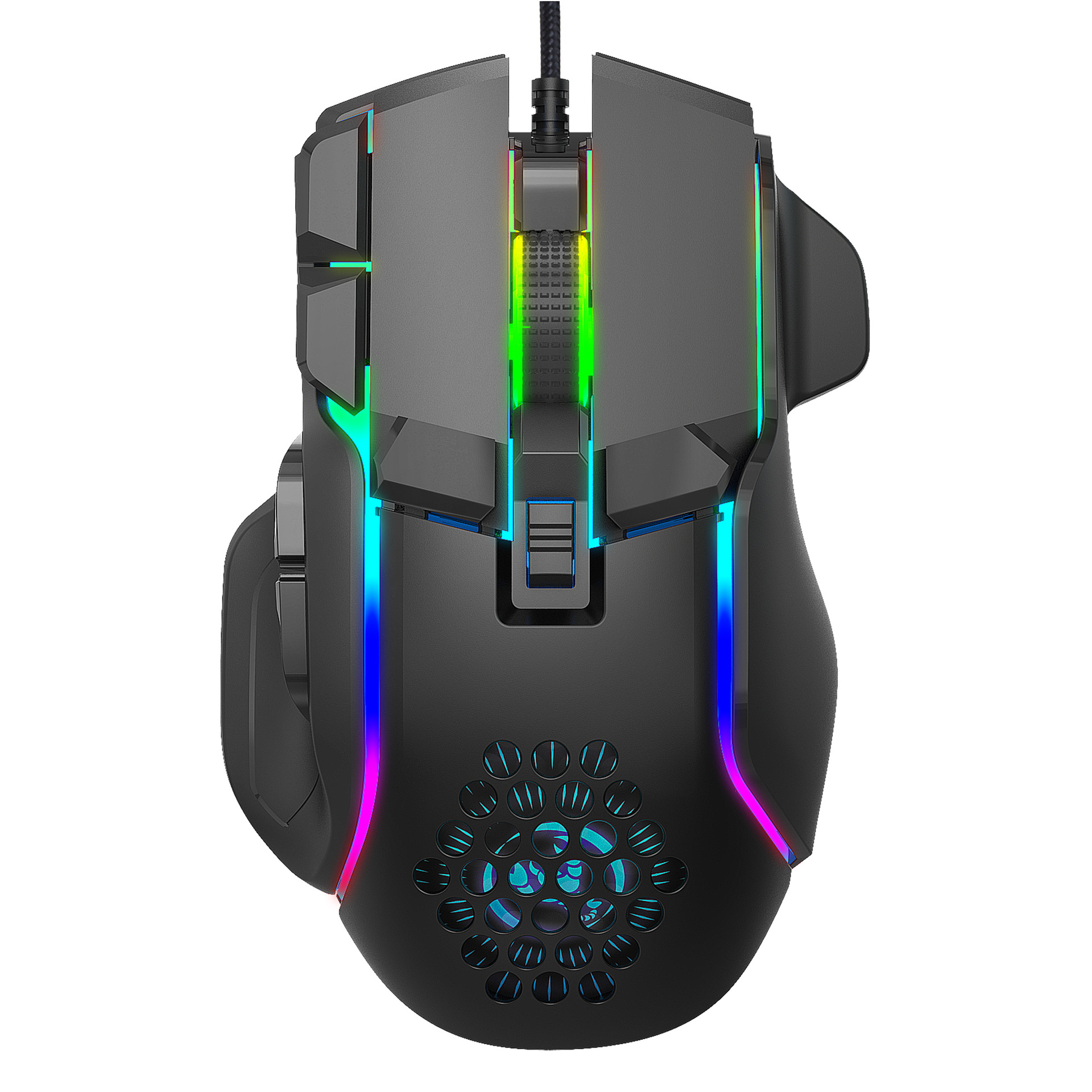
5-10 programmable keys
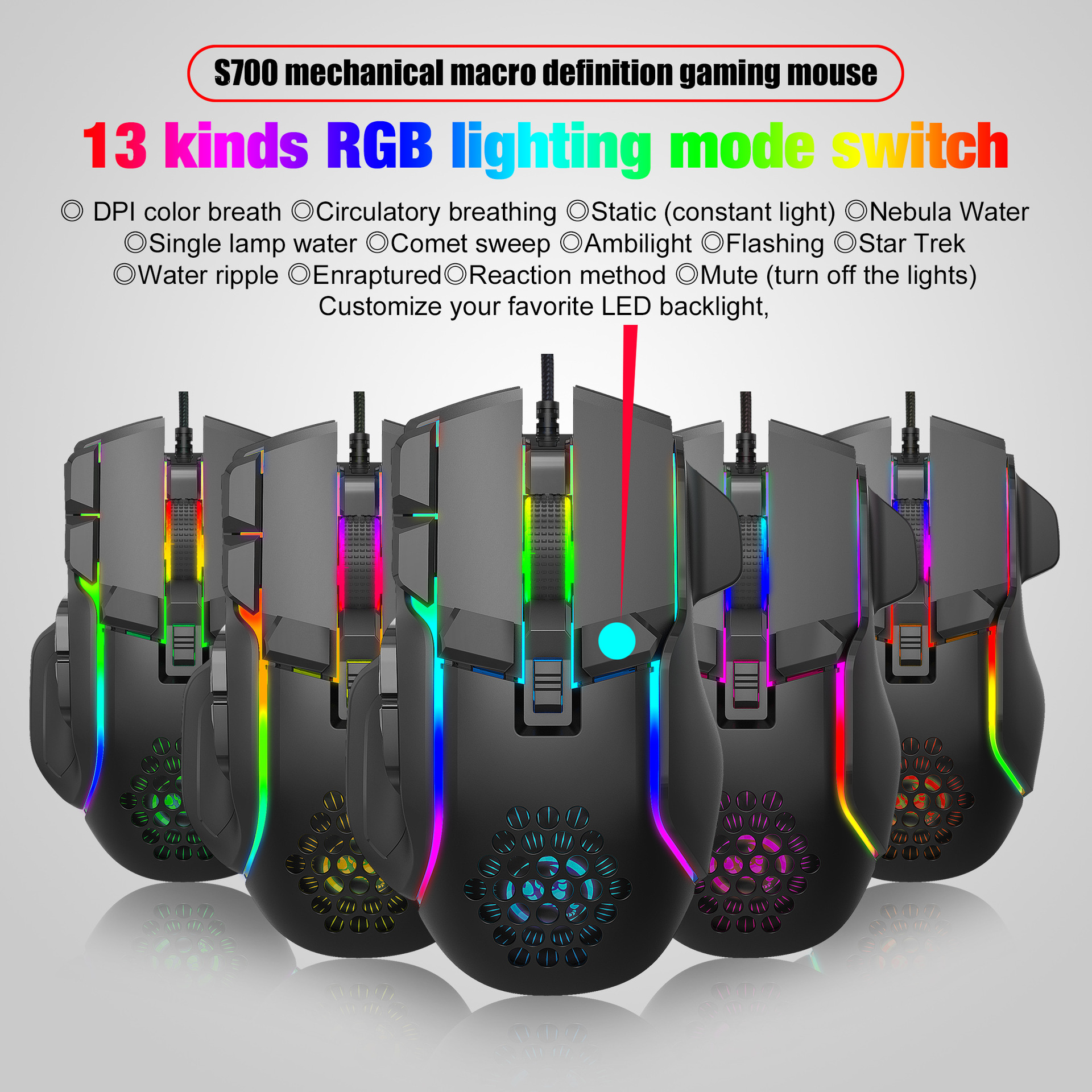
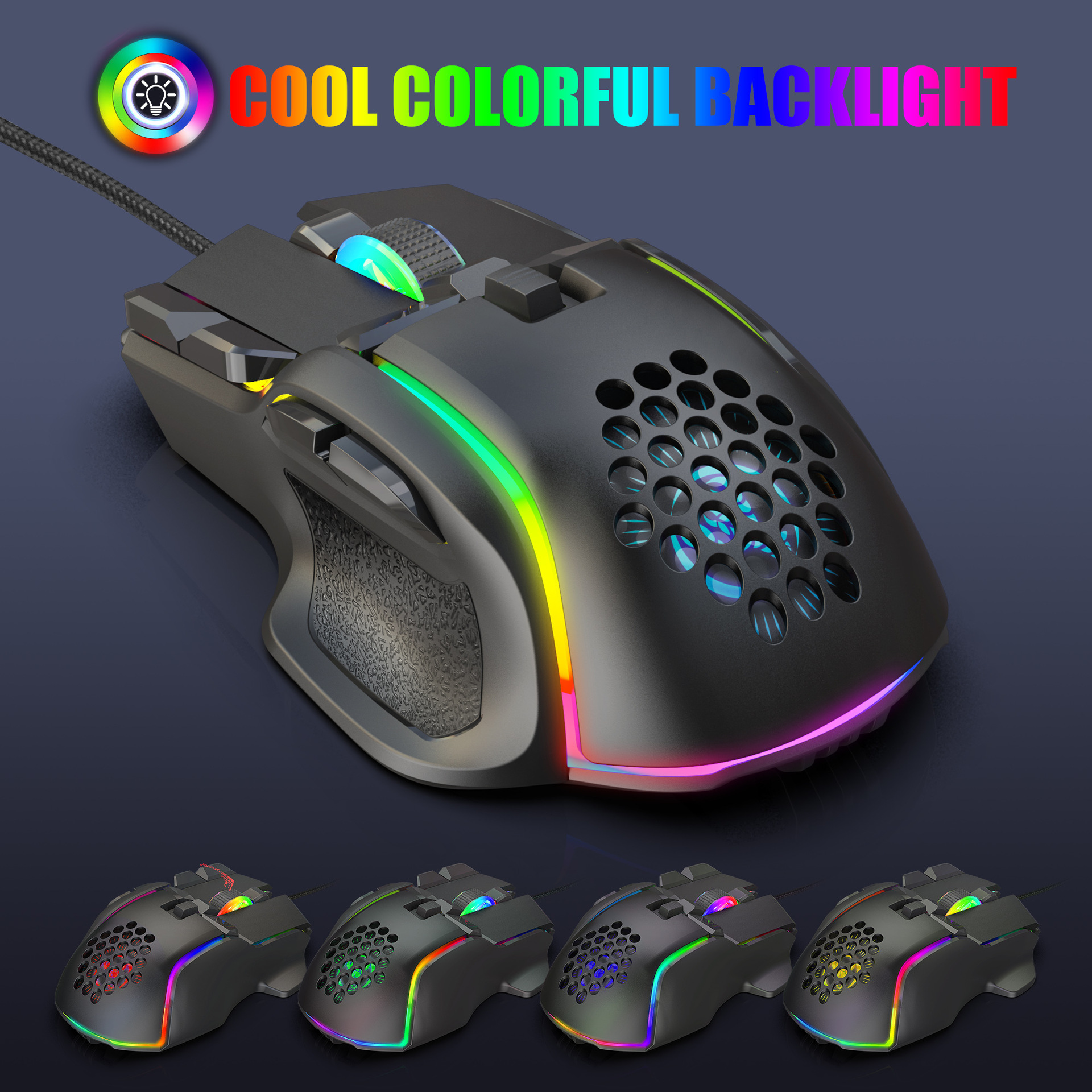
6. Light effect: 13 types RGB lighting mode switch
7-6-level adjustable DPI, Max.12800 DPI
8. Voltage rating I electric current: DC 5V/180mA
9. Return rate: 120/250/500/1000Hz
10. Moving speed: 60 inches/s
11. Refresh rate: 7000FPS
12. Acceleration: 20G
13. USB plug and play
14. Switch life: 20million cycle
15. Cable length: 1.75m
16. Product Size: 129x82x42 mm ± 2mm (L * W * H)
17. Product weight: 142g
18. Packing size: 14.8x9.6x5cm
19. Package weight: 194g
20. Support Windows 2000/XP 1 Win7/Win8/Win10 Vista
32bit IOS or latest
Packing list:
1 X gaming mouse
1 X User manual
How to use:
1. Download the ro programming software through the website
Provided by the seller
2. After downloading, option
N it directly and use the buttons to customize
Programming
3. When the mouse is successfully connected and used normally,
Open the S700 ro programming software directly to use the
Ro programming function
4. Adop A826 IC professional game chip, using high performance
Program control decoder chip for smooth motion and precision control
5. Button settings for the 1-10 buttons (as shown), the drive supports
Custom settings
6. DPI setting: default 1200/1600/2400/6400/7200/12800 the
Six segment DPI value can be any section
7. Light mode: 13 types RGB lighting mode switch
8. Mouse parameters: You can set the pointer precision, wheel speed
And double click speed
9. Custom Settings: Custom ro editing that supports game
Effects
10. When the settings are complete, click Applications and then click
Save Configuration You should start the driver against the next time
You use it so that you can use all customization features
Videos
Videos for this product

 4.4 aus 5 baséiert op 9,249 Rezensiounen