5+


Full View
Similar items
FREEWOLF M75 Wireless Keyboard, Bluetooth Dual-mode, PBT Gradient Ball Cap, With Display Screen, Gaming Keyboard
€49.15

AJAZZ Multl-Device Dual Mode 2.4G/Bluetooth5.0 With Card Slot Bracket Position Typewriter Office Membrane Keyboard AF84
€48.23
€51.75 -6% OFF
New I8 2.4G Mini Wireless Keyboard Backlit English Russian Air Mouse Touchpad Remote Control For Laptop TV BOX USB
€32.75
€43.46 -24% OFF
4+4 Keys SayoDevice O3C++ OSU Rapid Trigger Linear OUTEMU Magnetic Pink Switches Keyboard Knob Screen Copy Shotcut
€53.98
€58.60 -7% OFF
Backlit Wireless Keyboard And Mouse, Quiet Light-Up Keys, Tilt Legs, Rechargeable USB Cordless Combo For Computer, PC,
€63.42
€101.53 -37% OFF
SayoDevice Rapid Trigger Magnetic Switches RGB Music Game Volume Knob For O3C DJMAX SDVX Geometry Dash Office Keyboard
€53.06
Cross-border Russian ZA68 Bluetooth Wireless Mechanical Keyboard Game, Hot-swappable RGB Three-mode Customized Russian Keyboard
€60.49
€76.54 -20% OFF
Machenike K500-B61 Mini Mechanical 60% ABNT2 Layout RGB Backlight Hot-swappable NKRO Wired Gaming Keyboard For PC Gamer
€45.01
€47.66 -5% OFF
AULA F75 MAX Gaming Mechanical 75% Wired/Bluetooth/2.4G Hot-Swap RGB E-sports Keyboard With TFT Screen For PC/Mac
€97.57
€110.27 -11% OFF
Aula F99 PRO 96% Mechanical Gaming BT5.0/USB-C/2.4G Wireless Hot Swappable Gasket Custom Keyboard With 8000mAH Battery
€97.91
€119.72 -18% OFF
Arabic Language Mechanical 104 Keys Blue Switch 20+ Lighting Colorful Keyboard
€53.43€71.44
Color : L300 Neutral Arabic Language Keycap Character Mechanical 104 Keys


Quantity :

Report
Include copyright infringementFree Standard Shipping. See details
Estimated between Mon, Aug 3 and Fri, Aug 7
You can return the product within 30 days of receipt. See details
Shop with confidence

Money Back Guarantee
Get the item you ordered or your money back. Learn more
About this item
Sourced from Celeritas Tech
Seller assumes all responsibility for this listing.Item number: 29942101
Item specifics
Features
Other, Rgb, Skin-Like
Axis
Other, Red Axis, Tea Axis
Numeric Keypad
No, Yes
Connection
Wired
Size
100Mm-120Mm, 121Mm-130Mm, <100Mm
Item description from the seller
L300 Packing List:
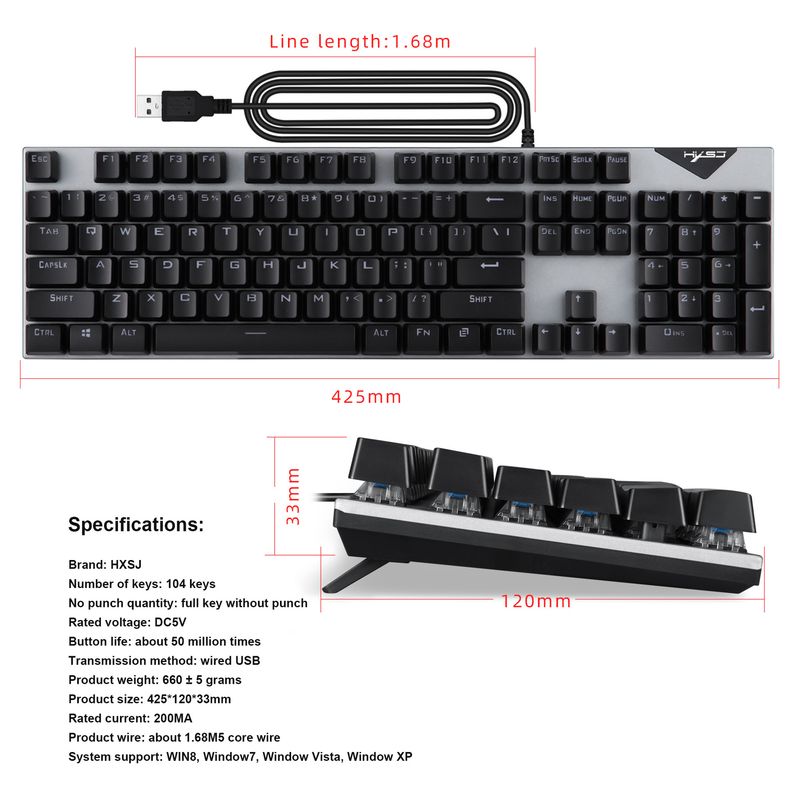
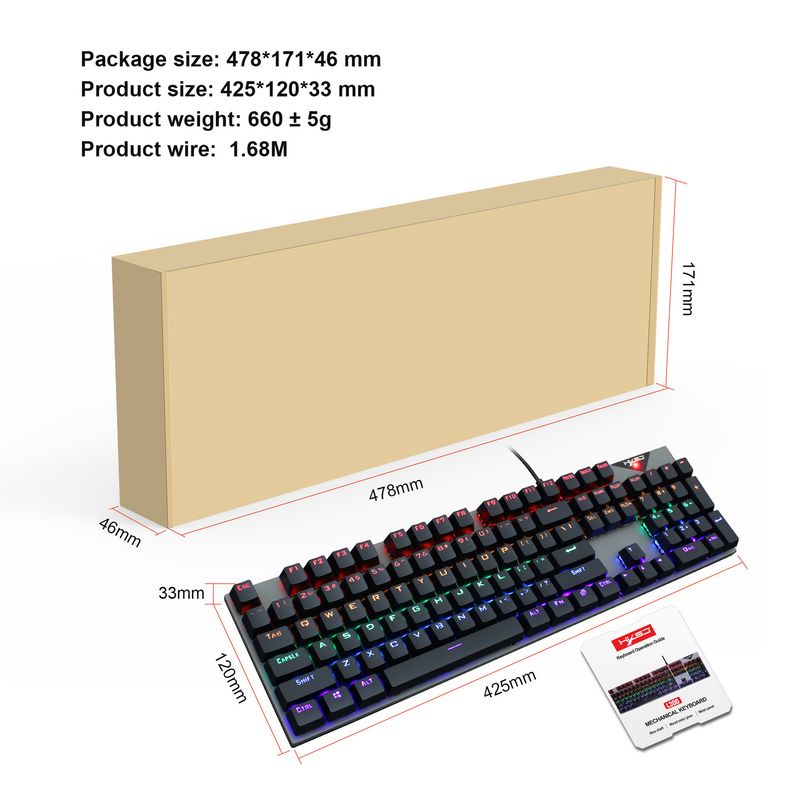
Keyboard Size: 42.5X12X3cm
Keyboard Weight: 691g
Package Size: 47.8*17.1*4.6cm
Package weight: 767g
Packing quantity: 12pcs
Outer box size: 48.5*29*35.5cm
Gross weight: 9.85kg
Main function description:
This keyboard adopts BYK901 Taiwan's high-performance Flash MCU, supports
USB2.0 (full speed 12Mbps)
transmission mode, configure the startup horse light effect and other combinations
lighting effects animation
Supports common game mode button backlight function and custom button
backlight function, supports more
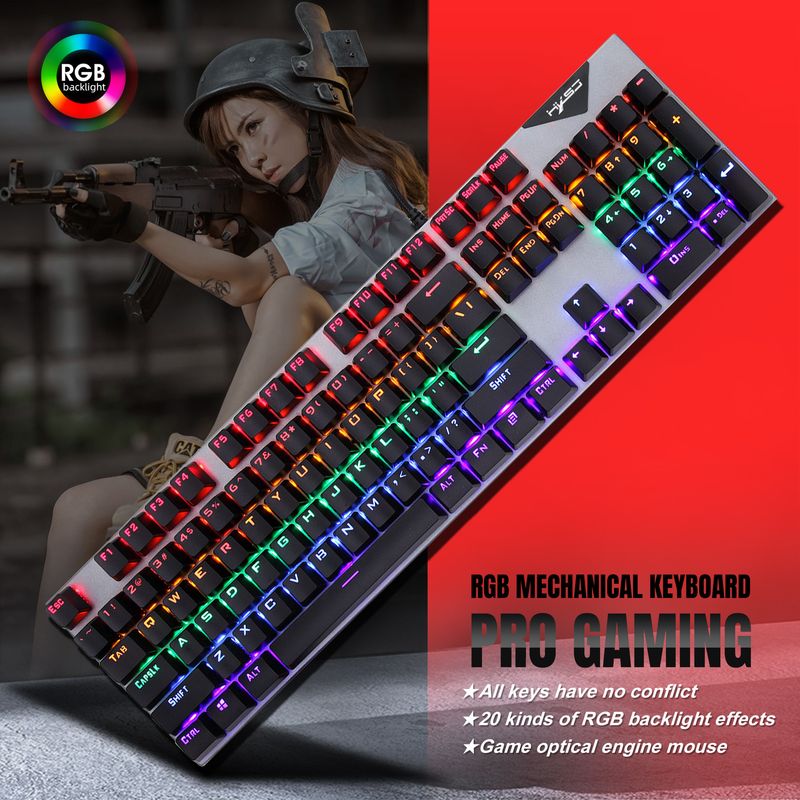
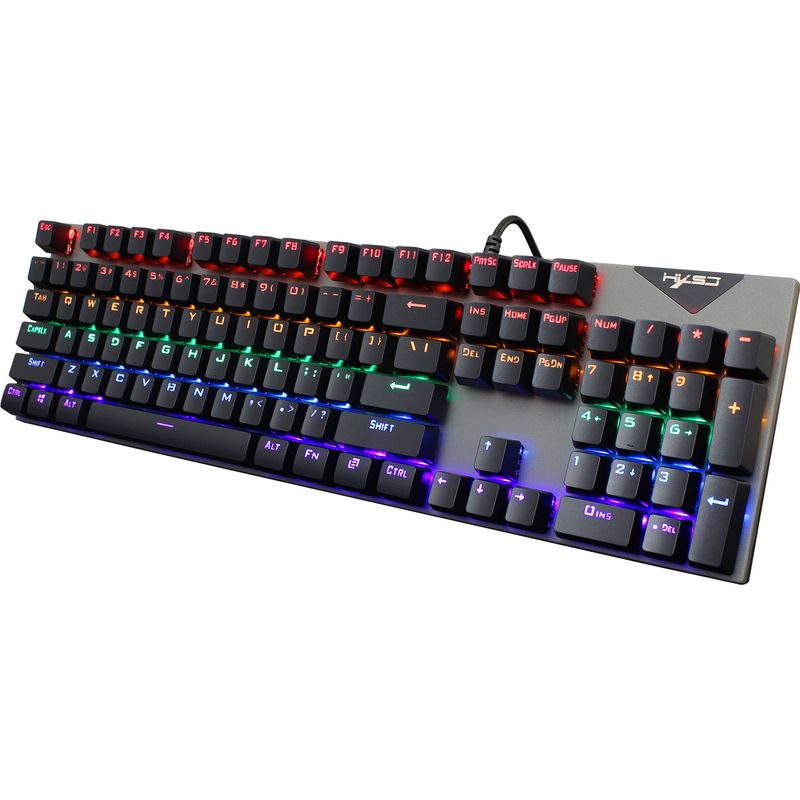
A kind of super cool LED lighting effects, FN+1 to 8 keys for fixed game mode button lighting effect,
FN+9 - 0 button for customer custom lighting settings
KEYBOARD FN COMBINATION FUNCTIONS:
FN + F1 = Computer
FN + F2 = Search
FN + Fz = Calculator
FN + F4 = CD
FN + F5 = Previous Track
FN + F6 = Next Track
FN + F7 = Play/Pause
FN + F8 = CD Stop
FN + F9 = Mute
FN + F10 = Volume -
FN + F11 = Volume+
FN + F12 = Lock all keys
WIN-L = lock WIN and APP
PRODUCT SPECIFICATION:
Connection method: Wired
Keyboard keys: 10
4 sets of keys
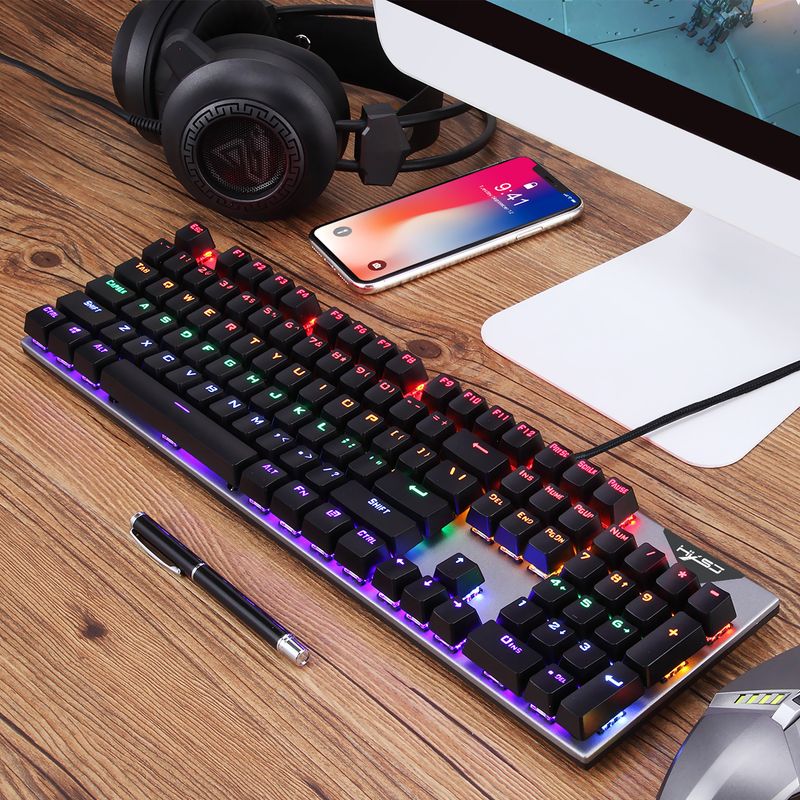
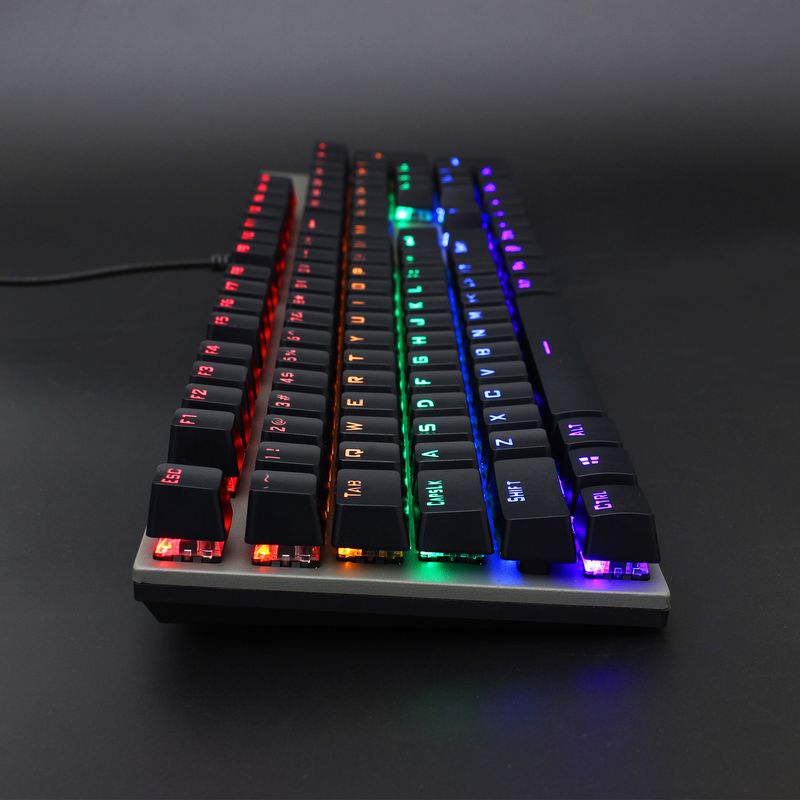
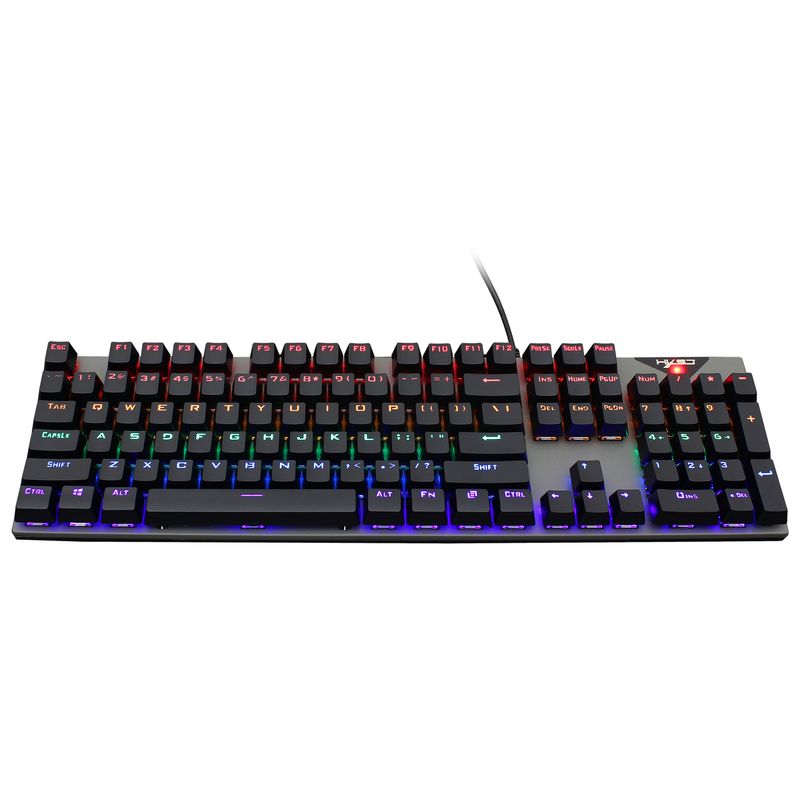
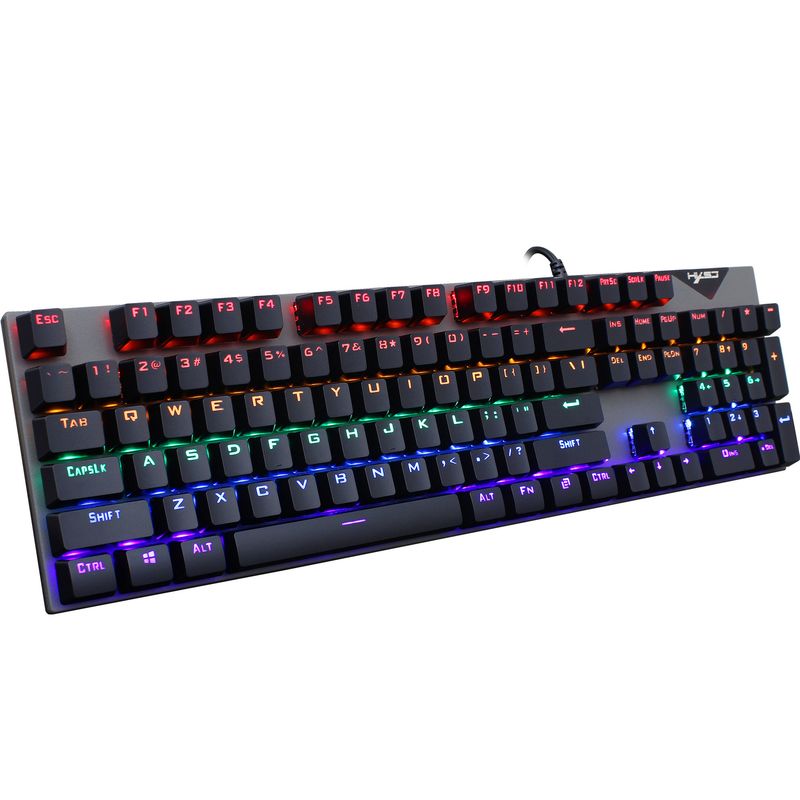
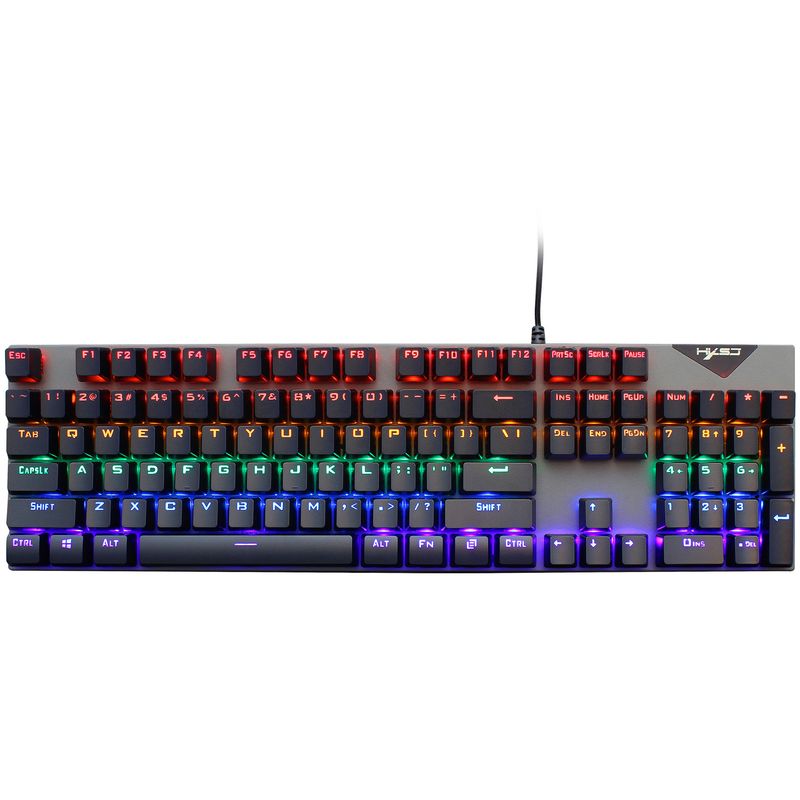
Keyboard Backlit: RGB Mixed Color Glow
Work voltage: 5VDC
Working current: 200mA (max.)
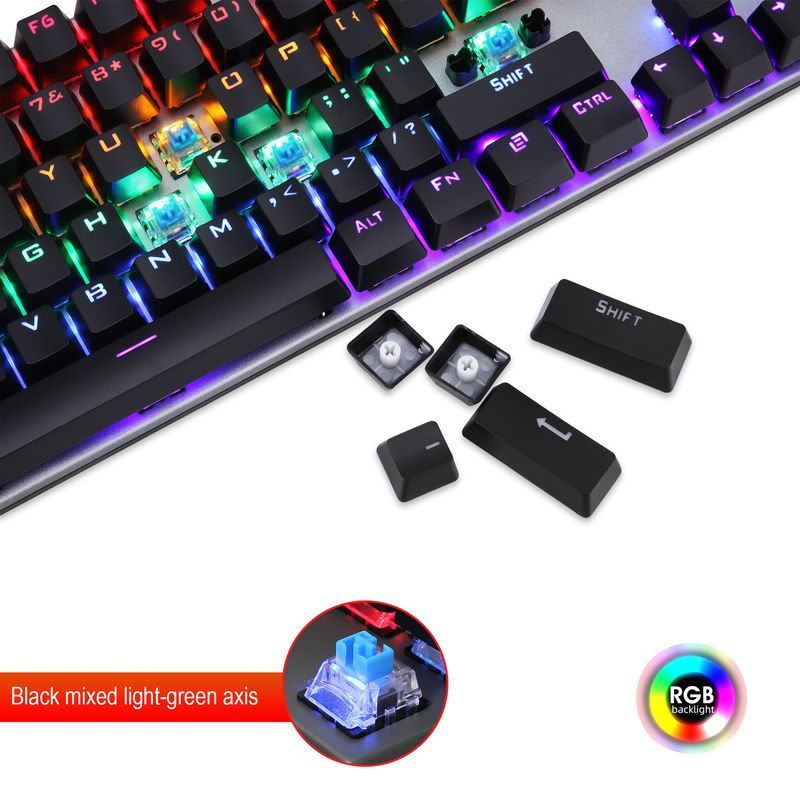
Shaft type: Blue shaft
Key life: 50,000,000 times
Keyboard/ mouse Interface: USB
Keyboard cable length: 1.68M
Keyboard Size: 42.5X12X3cm
Keyboard Weight: 691g
Package Size: 47.8*17.1*4.6cm
Package weight: 767g
Packing list
1 x 10⁴keys mechanical keyboard
1 x Kullanım Kılavuzu
SYSTEM REQUIREMENTS:
The keyboard can run on Win ME, Win2000, Win XP, Vista, Win7, Win8 WIN10 and other operating systems
INSTALLATION:
1. Shut off the computer;
2.Plug the USB of the keyboard into the port of the computer;
Turn on the computer and the system will set up automaticallyTbh, they can be workable in secondsNo need for a driver
BUTTON FUNCTION INTRODUCTION:
FN+“INS”=light effect mode switching
FN+ “←” = Speed of Light Movement
FN+ “→” = Light speed slows down
FN+ “↑” = Light intensity enhancement
FN+ “↓” =light brightness weakened
GAME MODE LIGHTING:
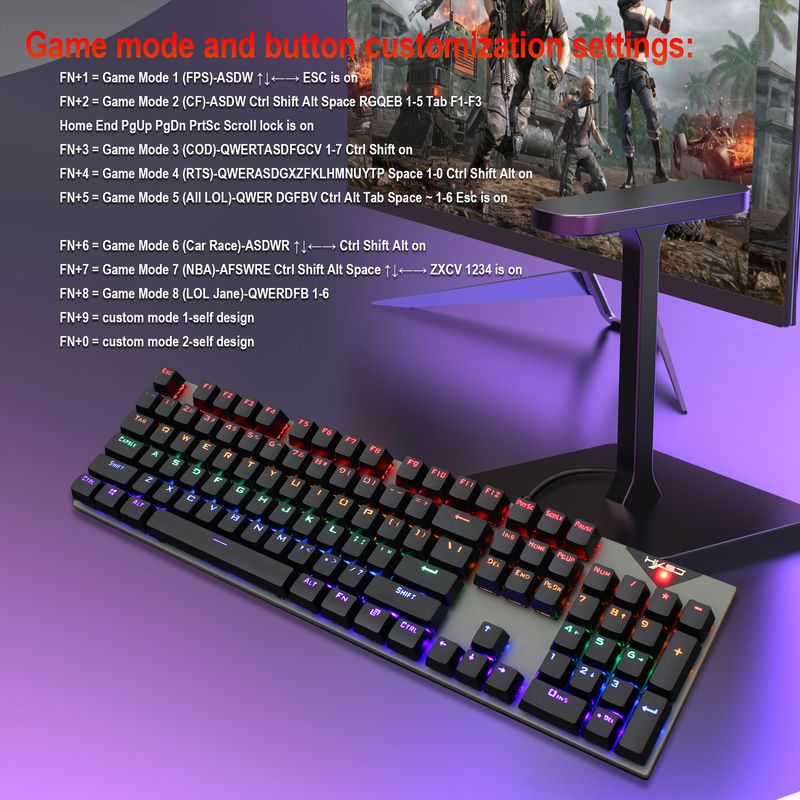
FN+1 = Game Mode 1 (FPS)-ASDW ↑↓←→ ESC is on
FN+2 = Game Mode 2 (CF)-ASDW Ctrl Shift Alt Special
ace RGQEB 1-5 Tab F1-F3
Home End PgUp PgDn PrtSc Scroll lock is on
FN+3 = Game Mode 3 (COD)-QWERTASDFGCV 1-7 Ctrl Shift on
FN+4 = Game Mode 4 (RTS) - QWERASDGXZFKLHMNUYTP Space 1-0 Ctrl Shift Alt on
FN+5 = Game Mode 5 (All LOL)-QWER DGFBV Ctrl Alt Tab Space ~ 1-6 Esc is on
FN+6 = Game Mode 6 (Car Race)-ASDWR ↑↓←→ Ctrl Shift Alt on
FN+7 = Game Mode 7 ()-AFSWRE Ctrl Shift Alt Space ↑↓←→ ZXCV 1234 is on
FN+8 = Game Mode 8 (LOL Jane) - QWERDFB 1-6
FN+9 = Custom Mode 1 - Self Design
FN+0 = Custom Mode 2 - Self Design
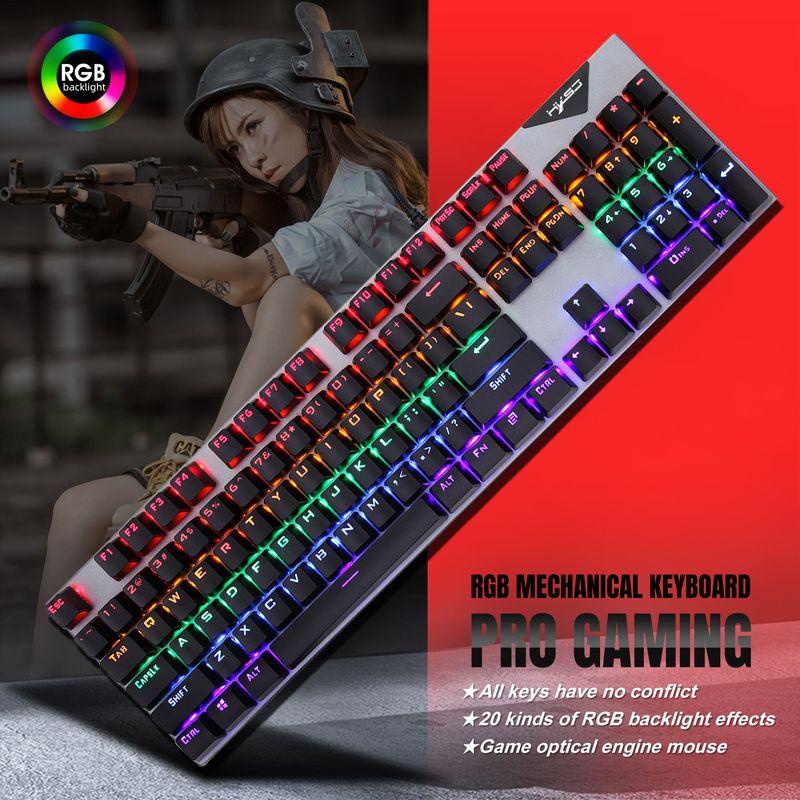
Supports more than 20 kinds of super dazzling LED lighting effects, respectively through
FN+INS/FN+HOME/FN+PGUP/FN+DEL/FN+END/FN+PGDN to change different lighting modes
CUSTOM MODE BUTTON RECORDING AND STORAGE:
FN+Ender = record key/store key
1.After pressing FN+9 or FN+0 to enter the corresponding custom mode,
Press FN+End to enter the custom point color recording state
2.Press any key that needs to be lit or extinguished to the specified state
After finishing the setting, press FN+
End to store
3.Press FN+ESC to clear the light recording and restore the constant light mode













Videos
Videos for this product